
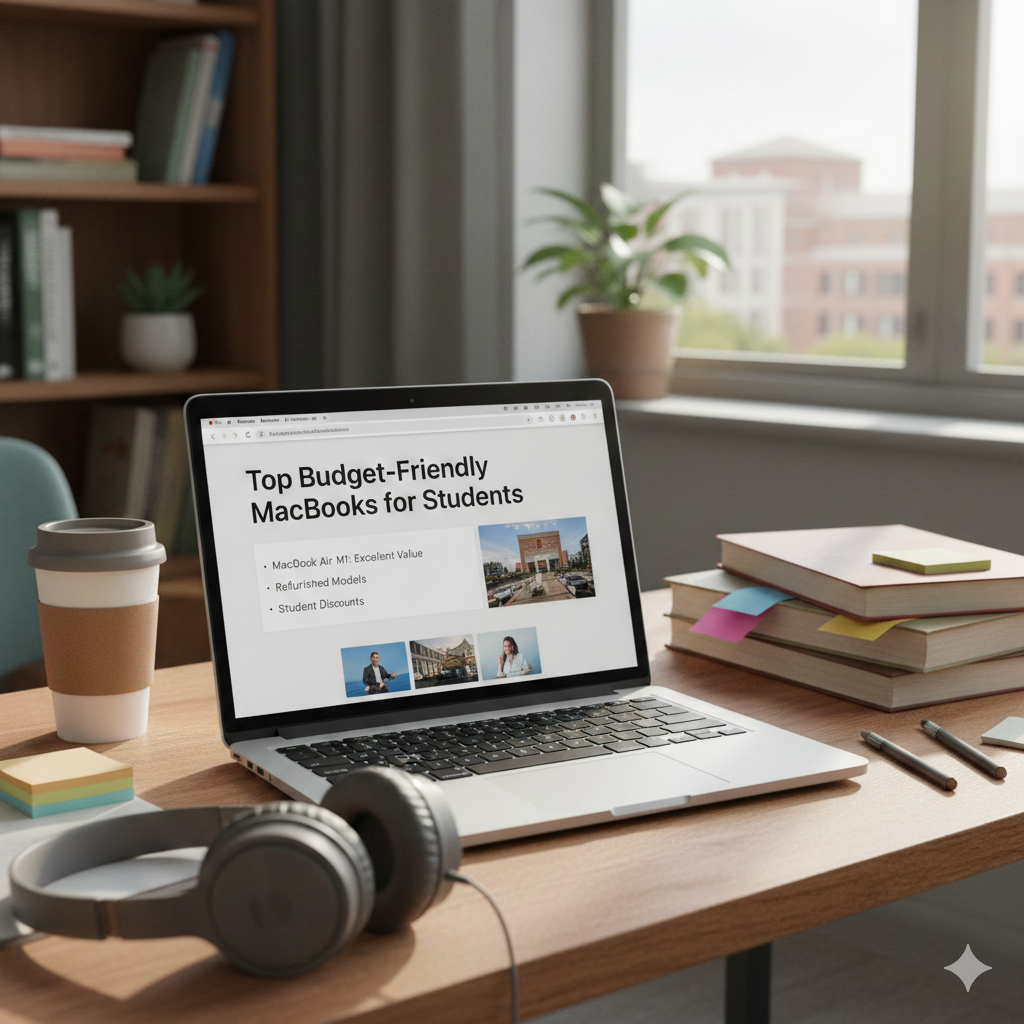
Choosing the best MacBook for a student on a budget can be tricky, but it’s definitely possible to find a great option that won’t break the bank. Here’s a guide to help you make an informed decision:
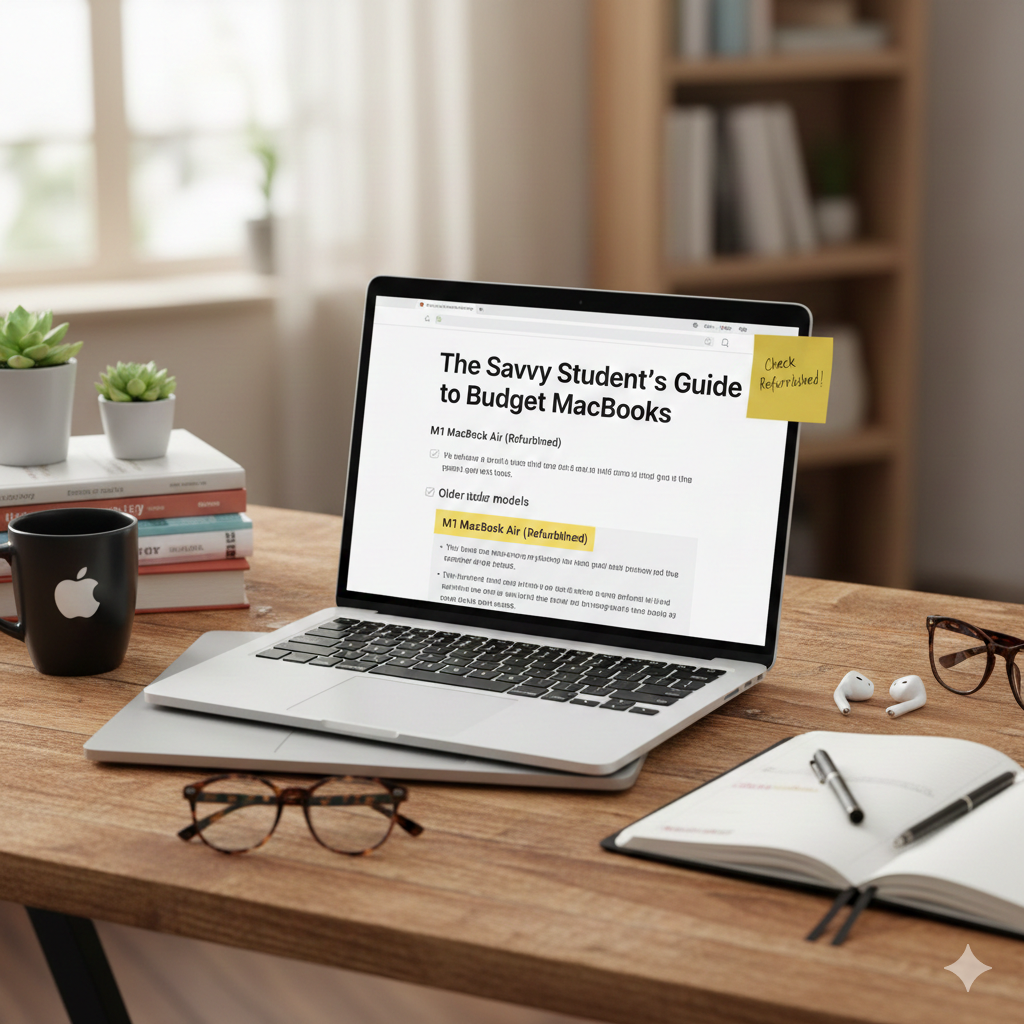
The Savvy Student’s Guide to Budget MacBooks
Apple products are known for their premium price tags, but their longevity, robust operating system, and excellent resale value often make them a worthwhile investment, even for students. The key is to know where to look and what to prioritize.
1. The Refurbished Route: Your Best Bet
For budget-conscious students, Apple’s official certified refurbished store is often the golden ticket. These aren’t just “used” Macs; they’re pre-owned devices that have undergone a rigorous refurbishment process by Apple, including full functional testing, genuine Apple replacement parts (where needed), and a thorough cleaning. They even come with a one-year warranty, just like a brand new MacBook!
Why it’s great for students:
- Significant Savings: You can often save 15-20% or more compared to new models.
- Like-New Condition: They look and perform almost identically to new devices.
- Reliability: The Apple warranty provides peace of mind.
Where to find them: Check the “Refurbished Mac” section on Apple’s official website. Inventory changes frequently, so keep an eye out!
2. Older Models: Still Powerful, Less Pricey
While the latest and greatest Macs boast cutting-edge chips, many slightly older models are still incredibly powerful and perfectly capable of handling student tasks like research, writing, presentations, and even some light photo or video editing.
Look for
- MacBook Air (2018-2020 Intel Models): Before the M1 chip, these Intel-based Airs were workhorses. They’re lightweight, have decent battery life, and are much more affordable now. Just ensure you get one with at least 8GB of RAM.
- MacBook Pro (2015-2017 Models): If you need a bit more processing power or a better display, some of the older Pro models can be found at great prices. Be mindful of potential “butterfly keyboard” issues on 2016-2019 models, though many have been serviced.
Pros
- Lower upfront cost: Significantly cheaper than current models.
- Proven performance: These machines have stood the test of time.
Cons
- Shorter software support window: While macOS updates are generous, older models will eventually lose support sooner than new ones.
- Potentially older hardware: Battery life might not be as stellar as newer models, and ports might be limited.
3. Consider Your Needs: What’s Essential?
Before you jump on a deal, think about what you really need your MacBook to do.
- Writing & Research: Almost any MacBook from the last 5-7 years will handle this with ease. Prioritize RAM (8GB minimum) and SSD storage (256GB is good, 128GB can work if you use cloud storage).
- Presentations & Multimedia: A slightly larger screen (13-inch is standard, but 15-inch on older Pros is great) and a reliable processor are key.
- Creative Arts (Light Photo/Video Editing): Aim for 16GB of RAM if possible, or an M1/M2 MacBook Air if your budget stretches. An Intel i5 or i7 from a few years ago can also suffice for lighter tasks.
- Portability: The MacBook Air (any model) is king here.
4. Where to Buy (Other than Apple Refurbished)
- Amazon Renewed / Reputable Third-Party Refurbishers: Websites like Back Market or certified sellers on Amazon can offer good deals, but always check their warranty and return policies.
- Local Tech Stores: Sometimes you can find good used Macs at independent computer shops.
- Student Discounts: Always check if Apple or other retailers offer student discounts, even on new models. These can sometimes bring a newer MacBook Air (like the M1) into a more manageable price range.
5. What to Avoid (if possible)
- Very Old Models (Pre-2015): While tempting due to price, these might struggle with modern software and battery life will be severely diminished.
- Models with known hardware issues: Do a quick Google search for common problems with specific year models (e.g., specific keyboard issues).
- Devices with less than 8GB RAM: For a smooth experience, 8GB is the absolute minimum you should consider.
The Sweet Spot: M1 MacBook Air (Refurbished)
If your budget allows for it, a refurbished M1 MacBook Air is arguably the best value for students right now. It offers incredible performance, silent operation (no fan!), excellent battery life, and future-proof capabilities with Apple’s M1 chip, all at a significantly lower price than a new M2 Air.
Remember, a MacBook is an investment. By doing your research and considering refurbished or slightly older models, you can get a fantastic machine that will serve you well throughout your academic journey without draining your bank account. Happy hunting!
⚠️ Disclaimer
This post reflects the author’s opinion and general advice regarding budget-friendly MacBooks for students. Prices, model availability, and specific features are subject to change based on market conditions, retailer inventory, and Apple’s product cycles. Always confirm warranty and return policies before purchasing any used or refurbished equipment.